Case Study
TextLab.
Year
2026
Role
Design & Engineering
Type a sentence, get an iOS-style mockup.
About
Type a sentence, get an iOS-style mockup.
Mocking a simple text interaction takes longer than it should. Showing 'imagine someone sends you X' in a tweet, a slide or a product shot usually means opening Figma, rebuilding an iMessage bubble from scratch, and repeating the whole thing for every variation. A ten-second idea turns into a five-minute task.
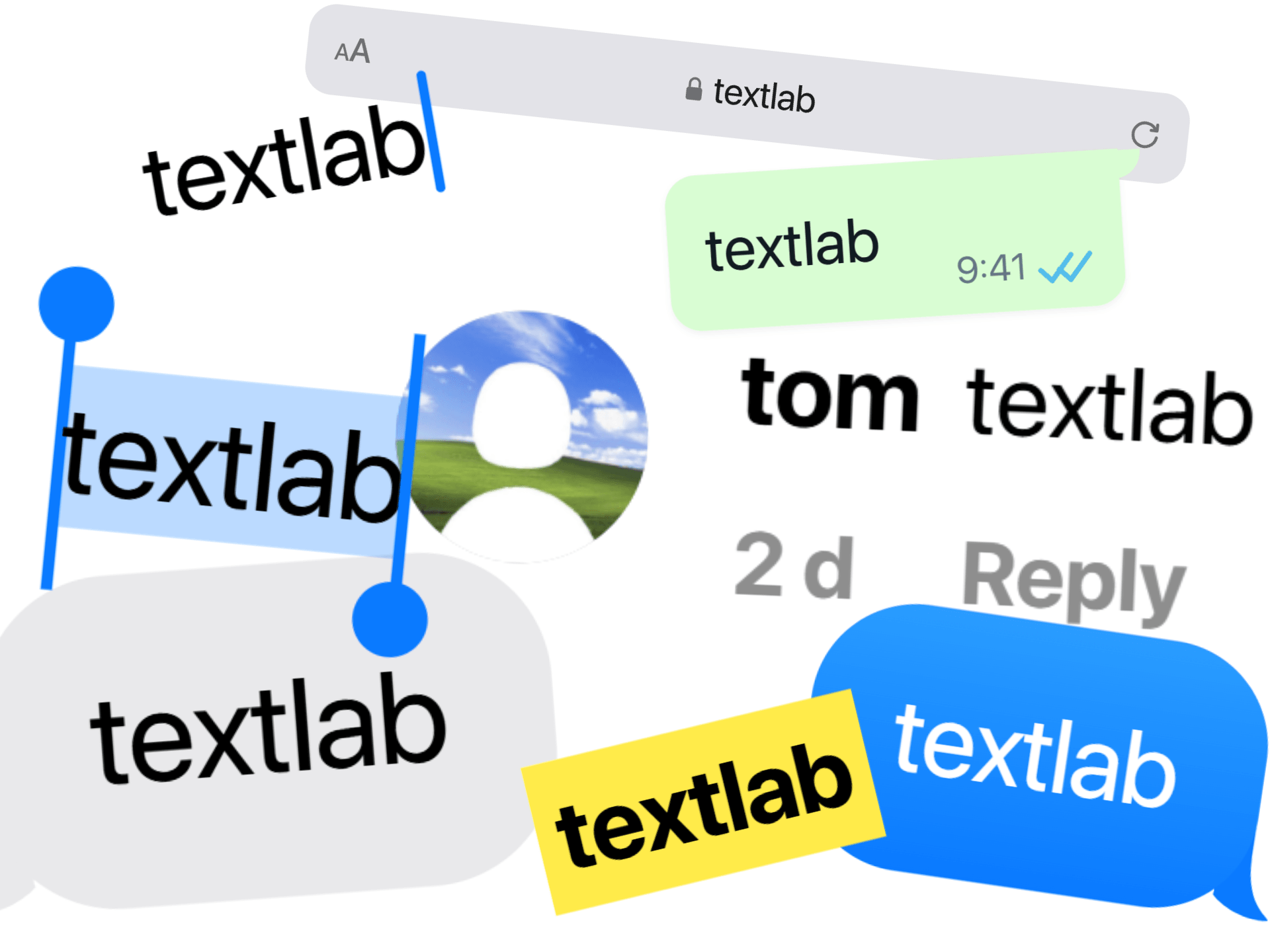
TextLab collapses that loop into a single input. Type the sentence once, the tool renders it across the surfaces people actually mock up for (iMessage, WhatsApp, Notes, Safari, Instagram and TikTok comments, a highlighted Wikipedia paragraph, a selection, a caret, a yellow highlight), and exports a ready-to-paste PNG. The iOS visual language is there for friction, not fan service: readers skip straight to the content because nothing about the shell looks 'off' enough to stop on.
Built as a microbatcher rather than a one-shot exporter. Shake Style randomises for A/B, 1× to 4× covers everything from a tweet screenshot to a 2048px hero, and Download All zips every style of a given sentence at once. Real usage spans slide illustrations, product shots and landing-page visuals, plus a fair share of memes, pitch decks and tweets where the joke is the text, not the UI.
#01Interface
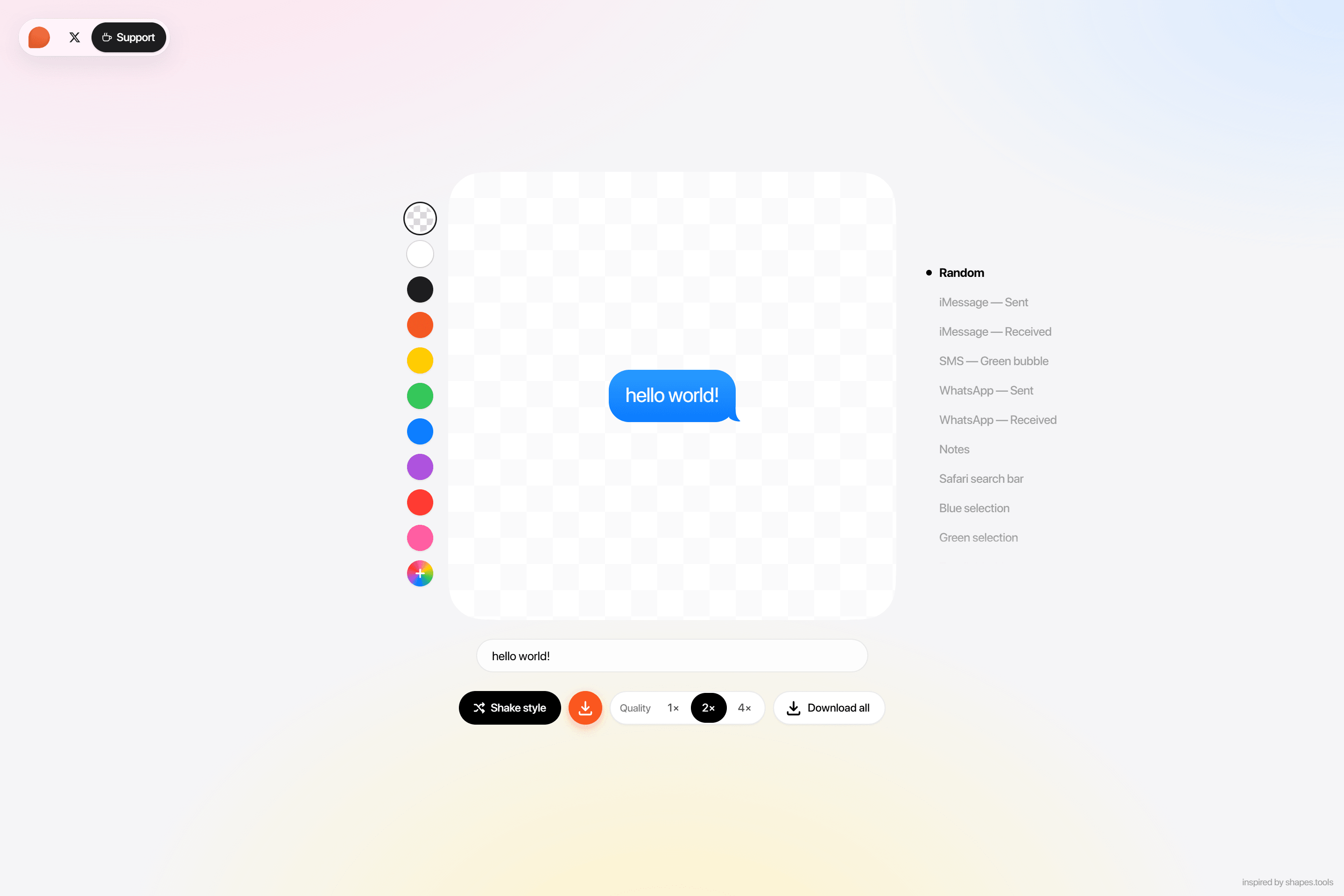
The central product decision was that changing a style or a colour must never move the canvas. The workflow here is A/B comparison: type once, compare the same sentence in six styles, pick one. If the canvas jumped between each, the eye would track position instead of composition. Every style renders at its own natural size, so they all had to be normalised against a shared bounding box before they were safe to swap.
The style list stays honest to the surfaces people actually mock up for. iMessage (sent and received), WhatsApp, SMS, Notes, Safari search, Instagram and TikTok comments, a Wikipedia paragraph with a highlighted sentence, blue and green selections with their drag handles, a mono caret, a yellow highlight pen. Each is pixel-matched to its source so the output reads as a screenshot, not a render.
The palette follows the iOS accent wheel, plus a custom picker and a transparent-PNG mode with Photoshop-style checkers. Transparent is the most-used option, because it lets mockups drop onto any slide or pitch deck without a white halo underneath.
#02Animations
Typing animations do real work here. Rendering a sentence across six styles at once isn't free, and without motion the canvas would flash every time the rasteriser caught up. Lifting each character in with a small blur hides the recompute and keeps typing feeling instant.
Style switches cross-fade for the same reason; a hard swap reads as janky. Shake Style is the deliberate exception: a cartoon wiggle before the random pick, because a subtle blend would undersell the dice-roll moment. One shared timing curve across the whole tool keeps perceived latency far shorter than the actual render times.
#03Instagram marketing
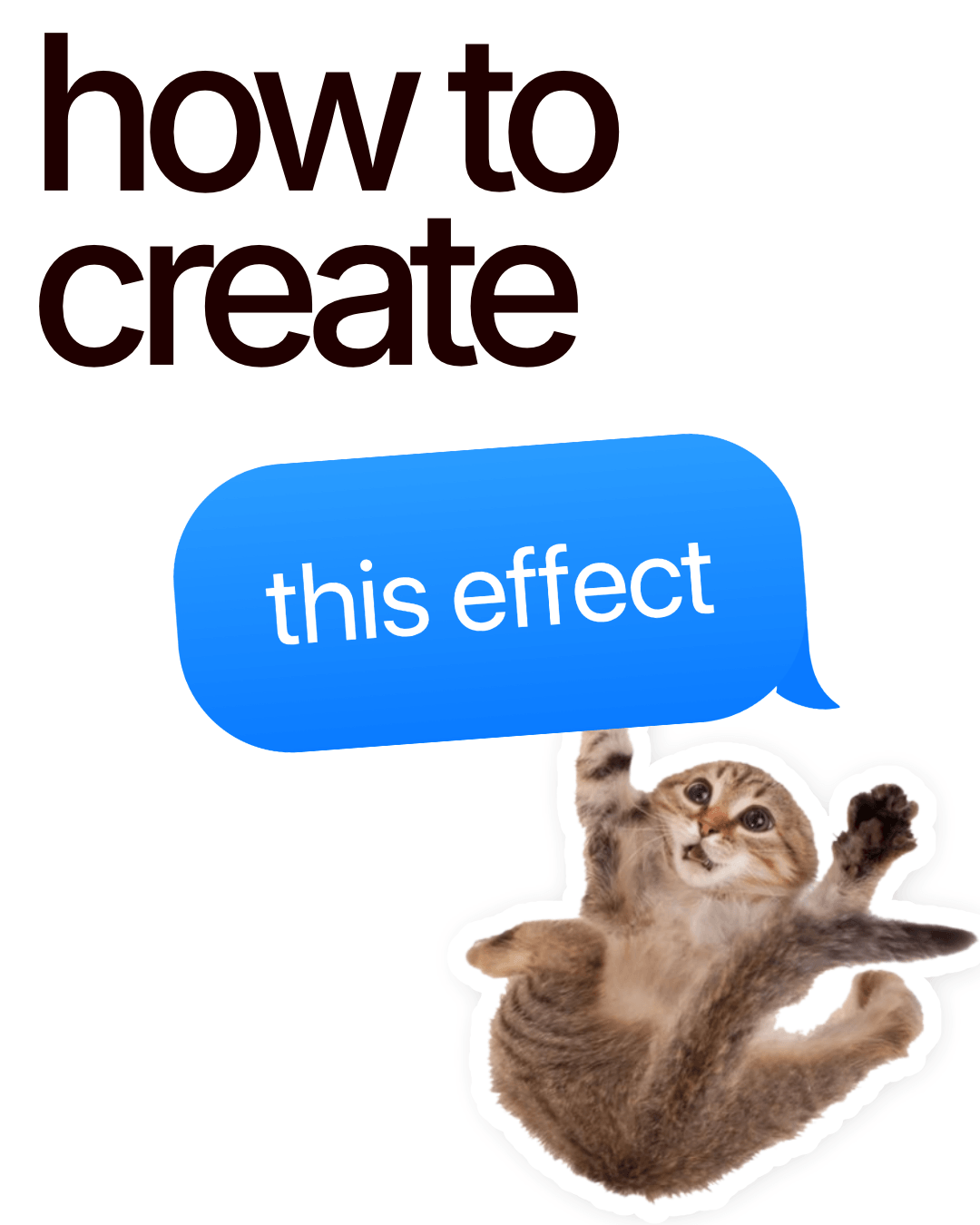
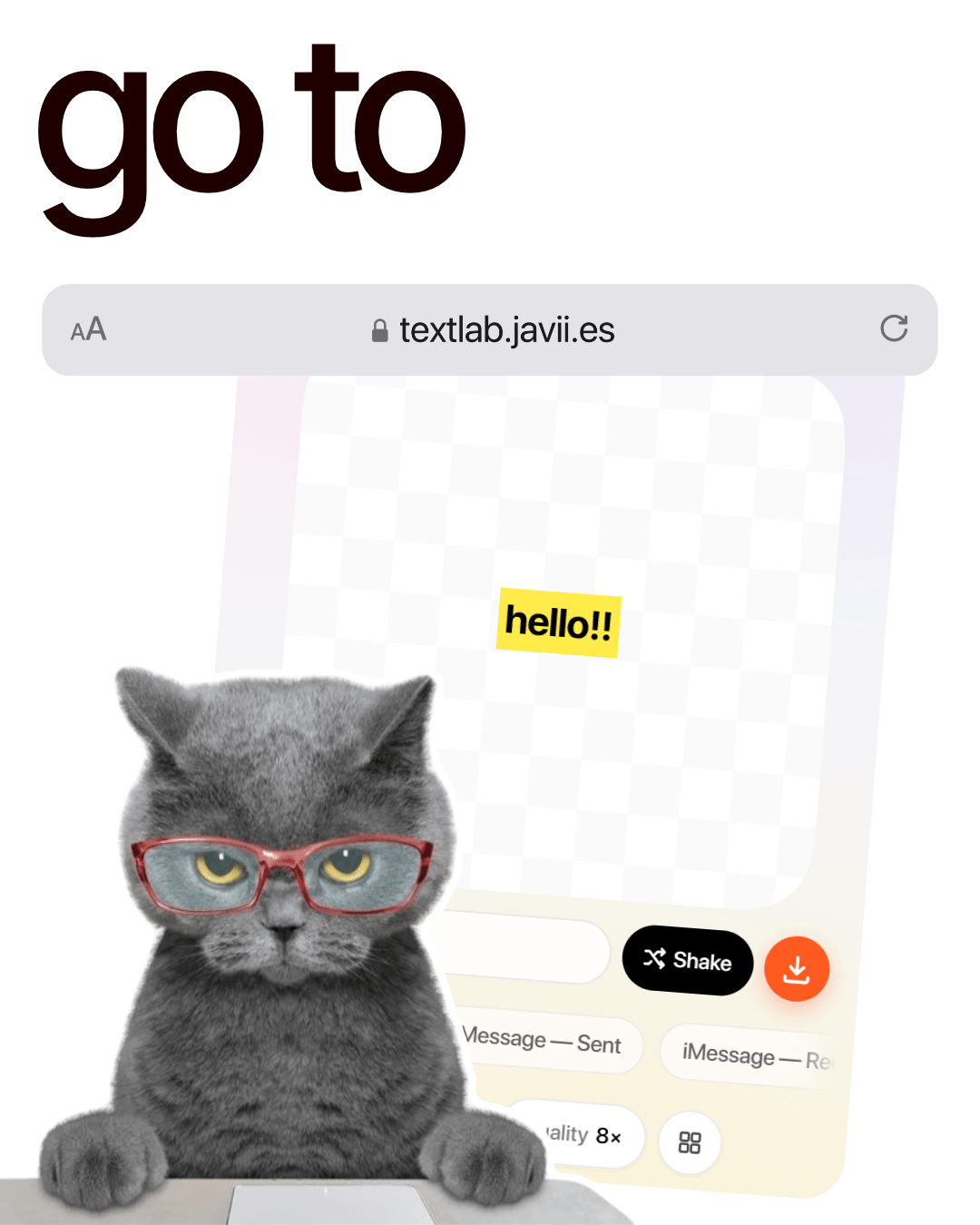
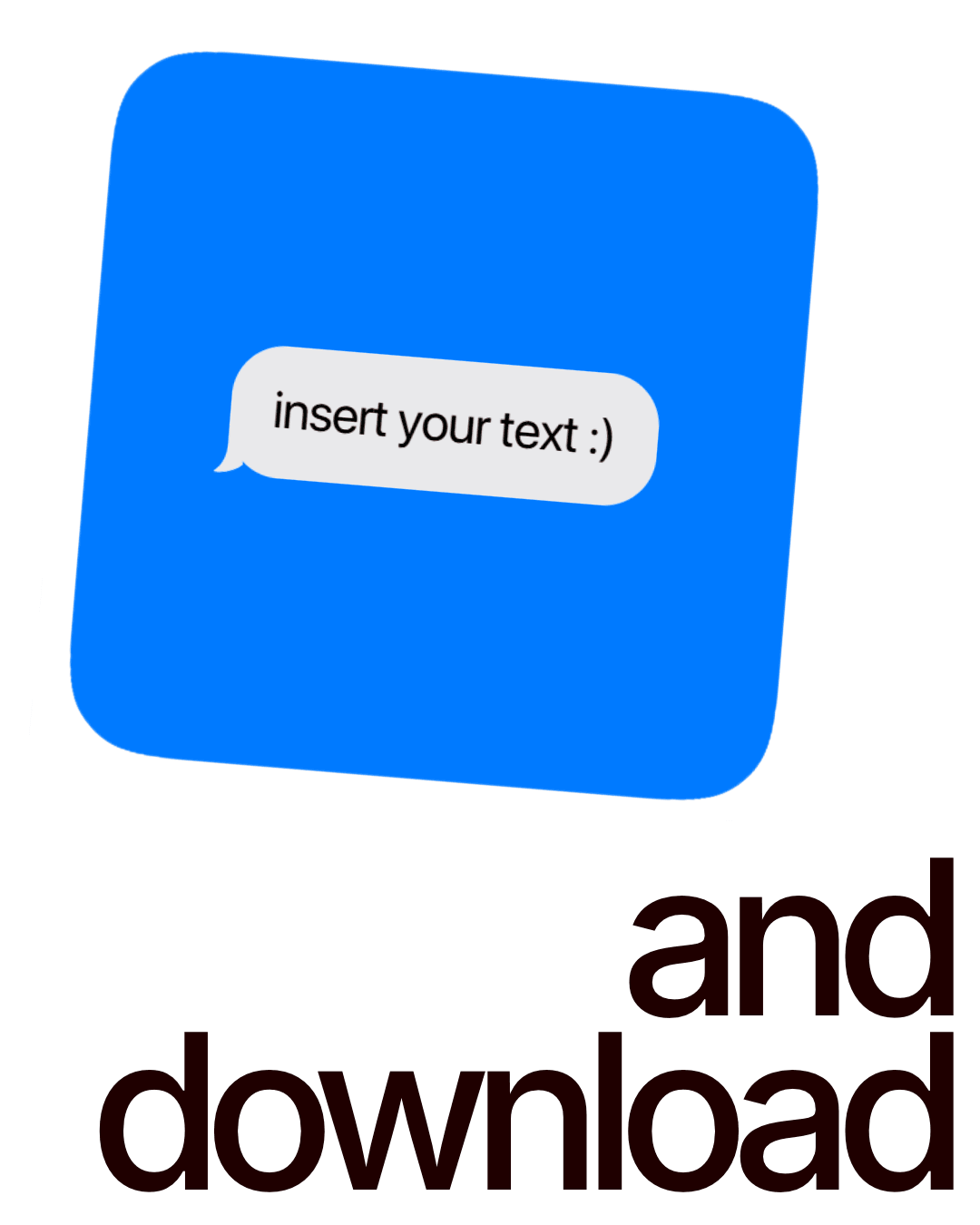
Designed a series of Instagram posts to launch and promote TextLab. The posts mirror the tool's voice: bold typography, iOS-native references, and the same accent blue from the app, so the marketing reads as a continuation of the product rather than a separate ad campaign.